Baby Monitor App Privacy: Where Your Nursery Data Goes
Opening a baby monitor app can feel as simple as checking the weather. Tap, glance at the cot, put the phone down. Behind that quick look,…
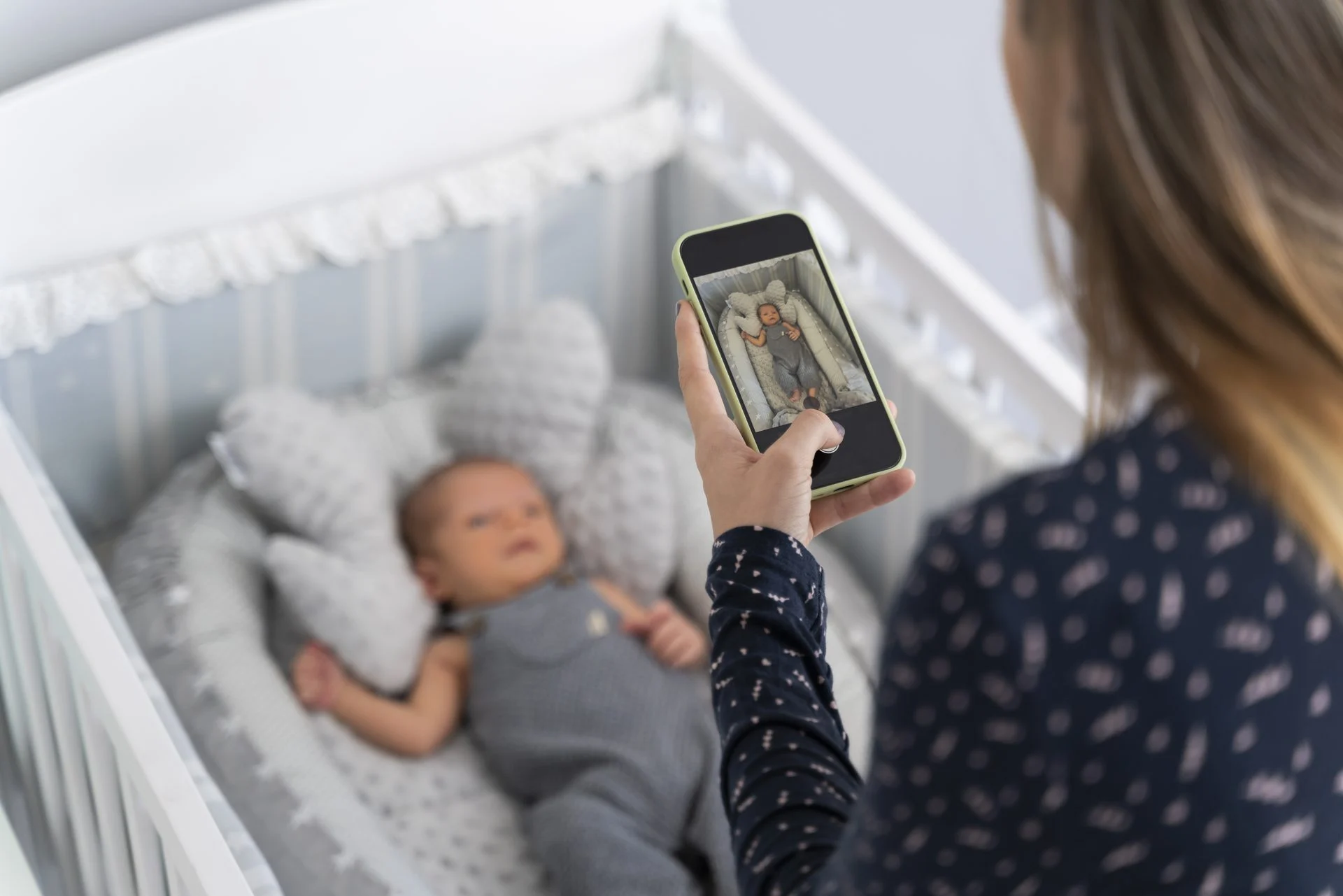
Opening a baby monitor app can feel as simple as checking the weather. Tap, glance at the cot, put the phone down. Behind that quick look, though, a connected monitor may be handling video, audio, alerts, account details and device data.
The Information Commissioner’s Office (ICO) counts baby monitors as part of the wider consumer Internet of Things. Privacy there depends not only on what a device collects but on where the information travels, why it is used and who can reach it. Here is how to make sense of it.
How a baby monitor app handles your data
The easiest way to understand a baby monitor app is to follow the data. The camera or sensor captures something in the nursery. Some processing may happen on the device, while other information travels over your home Wi-Fi to an app service or remote server, so you can watch when you are out.
That means a monitor is not just about picture quality. Live viewing, push notifications, two-way audio, saved clips and sleep reports can each send data in a different way, and they do not all need the same phone permissions.
Cloud or local storage?
The big difference is where recordings are kept and who has to help protect them. Local storage, such as a microSD card, keeps footage physically closer to home, although the card still needs sensible handling and deleting. Cloud storage makes remote access and backup easier, but it brings an online account, a service provider and retention policies into the picture.
Neither is automatically private or unsafe. Better questions to ask are:
- Is storage optional?
- How long are recordings kept?
- Can you delete them yourself?
- What protects them while stored and while being sent?
Share access on purpose
App access is handy when two parents, grandparents or a carer all need to check on the nursery, but every extra account widens the circle. Separate invitations are better than passing one password around, because you can review or remove one person without disrupting everyone else.
It also helps to separate device permissions from people permissions. Letting an app send notifications is very different from letting another person watch a live camera. Give each person only the access they need.
A quick privacy checklist for bedtime
- Use a strong, unique account password and switch on two-step verification if offered.
- Turn on automatic app and firmware updates where possible.
- Review phone permissions and switch off anything the features you use do not need.
- Check who has household or family access and remove anyone who no longer needs it.
- Find out whether clips are stored locally, in the cloud or both, and how to delete them.
- Disable remote viewing if your household does not use it.
- Protect your router with a strong password and up-to-date software.
These are not niche tips. The UK’s National Cyber Security Centre recommends strong passwords, two-step verification, prompt updates and turning off unnecessary remote access for connected home devices. Security rules for consumer smart products, in force since April 2024, also address easily guessed default passwords and require manufacturers to share how long they will provide security support.
Privacy is not a one-off job
Features like AES-128 encryption, a physical privacy shutter and a choice of microSD or cloud storage are all useful, and some current monitors offer them. But encryption alone does not settle the question. The ICO’s 2026 guidance for consumer IoT products stresses data minimisation, meaningful consent, transparency, secure updates and proper authentication through a product’s whole life.
In practice, revisit your settings after big app updates, when you add a carer, when you change phone or when you stop needing a feature. A choice made during first-time setup should not stay in place just because everyone forgot about it.
You do not need to become a cybersecurity expert. Know what leaves the nursery, know who can see it, pick storage deliberately and keep your software current.

Lifestyle, travel, fashion and home ideas for your coffee break.